
Step 1
Start by contacting your child's:
Teacher(s)
School counselor
ESE case manager or ESE contact
Therapist
ESE Lead / FRVE / Site Coach
Step 2
You can also reach out to the Assistant Principal or Principal for assistance.

Step 3
If further support is needed and you have questions or concerns that your child's school has not been able to address, please contact the EE/SS Supervisor designated for your child's school and program. Supervisor contact information can be found by clicking the EE/SS District Support Teams Contacts button to the right.
Step 4
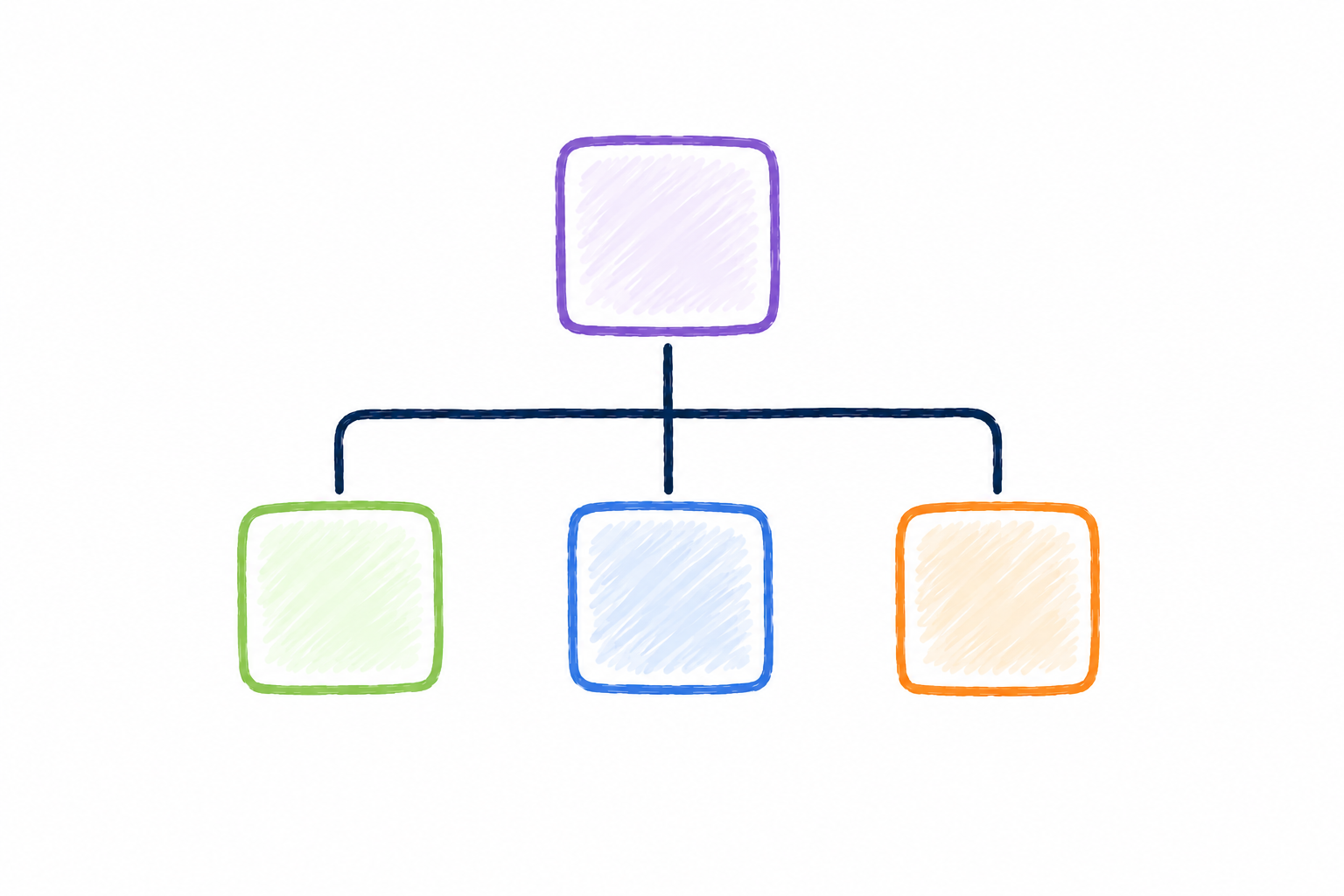
If additional support is needed, please reach out to the ESE Director, then the ESE Executive Director.

Step 5
For unresolved concerns, reach out to the district Region Superintendent.

We are here to support you every step of the way. Partnering together while following the communication process helps us best support and serve your child.
We encourage families to start at the school level, where staff know your child best and can often provide immediate support.
Remember, no matter where you are in the process, your ESE Parent Liaison is available to help!
EE/SS District Support Teams provide assistance to both public and charter schools and families. District Support Teams are organized by Northwest Elementary Varying Exceptionalities, Southeast Elementary Varying Exceptionalities, Secondary Varying Exceptionalities, and Low Incidence programs.
Low Incidence programs include specialized, self-contained supports such as CSS, Behavior Supports, PLA, SLA, PRIDE, and related services for students with more intensive needs. To view the list of schools in each region, click on the region name below.